 FitMe
Download on the App Store
FitMe
Download on the App Store
Try it beforeyou wear it.
FitMe puts your own clothes on a lifelike avatar of you. See how an outfit looks before you get dressed, then plan the whole week in a minute.
Love the look. See it on you.
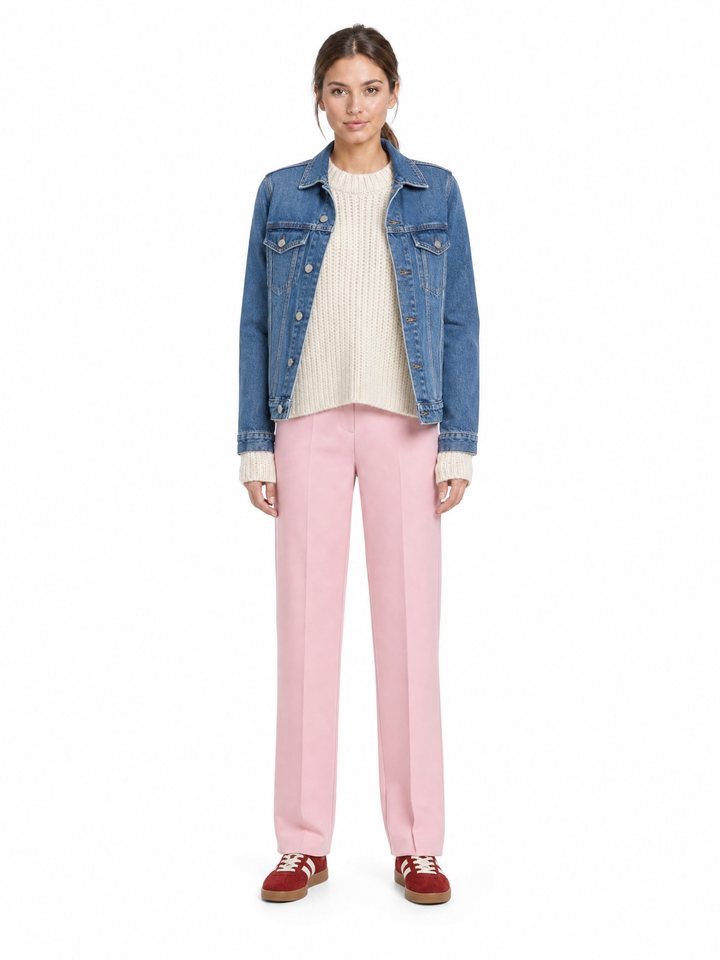
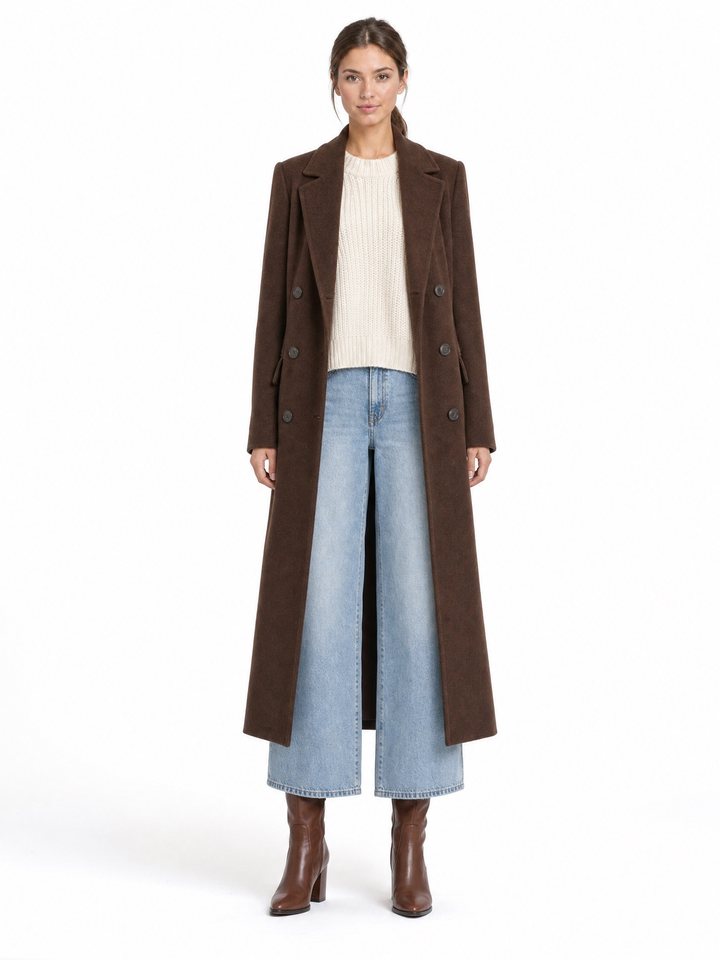
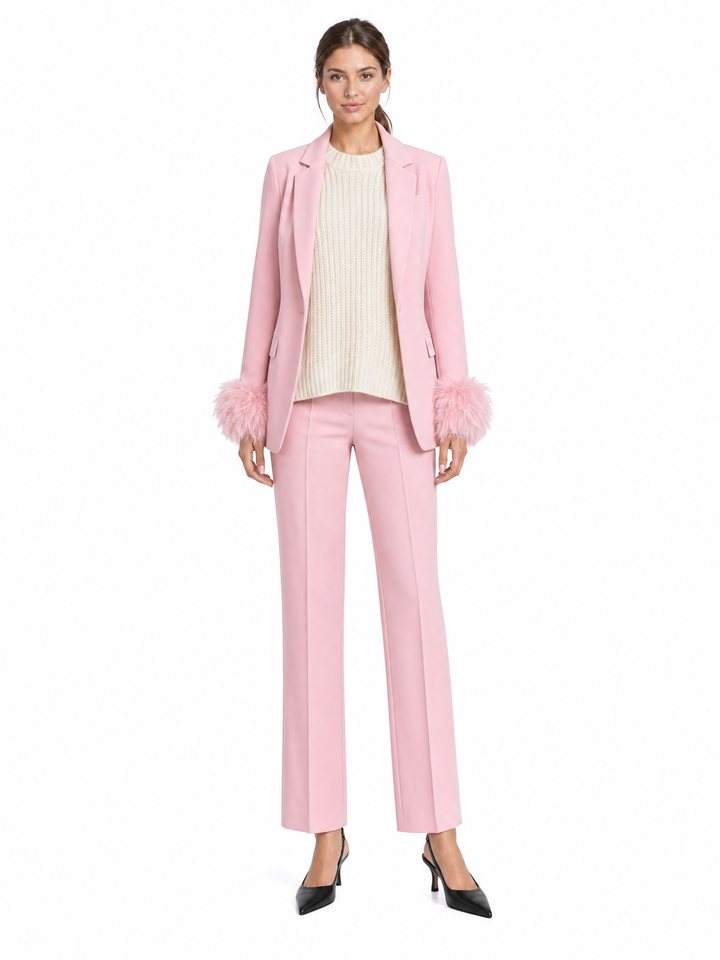
One photo becomes your avatar, a full-length digital twin with your face and build. Pick a top, bottoms and shoes, and FitMe shows the outfit on you as a photorealistic image.
- Your clothes, not a catalogue. Try on what is already in your wardrobe, or a piece from a screenshot.
- Same you, any outfit. Change one piece and compare the looks side by side.
- Keep what works. Save the looks you like to your collection and wear them again.
Your week, already dressed.
Give each day its outfit while you are still on the sofa. The planner shows the weather where you are, so Monday's run and Friday's dinner are both sorted before the week starts.
Tap through the week to see how it works.
From a photo, to your wardrobe.
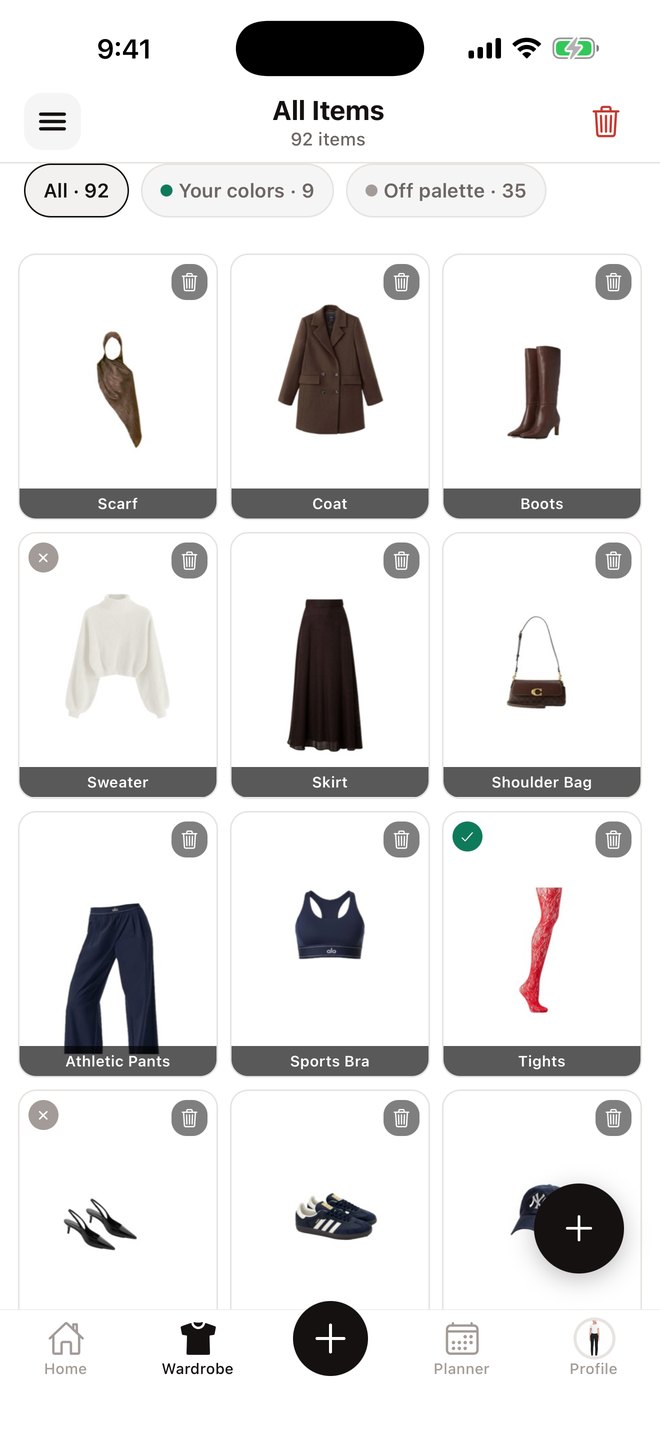
Choose a clothing photo or a screenshot. FitMe removes the background, works out what the item is and files it for you. You only confirm the category.
- Everything in one place. Coats, shoes, bags and knitwear, sorted and easy to find.
- Details filled in. Category, type, colour and material are read from the photo.
- See what suits you. After a colour analysis, filter your wardrobe by the pieces that match your palette.
Three ways to decide faster
When you know one thing and need the rest, FitMe builds the outfit from what you own. You review the suggestions first, and only try on the ones you like.
Keep this piece
Lock the pieces you want to wear and FitMe suggests the rest of the outfit from your wardrobe.
Should I buy it?
Add a photo of something you are considering and see up to three ways to wear it with what you already have.
Recreate a look
Add an outfit photo you love and find similar combinations in your own wardrobe, with clear substitutions.
A stylist who knows your closet.
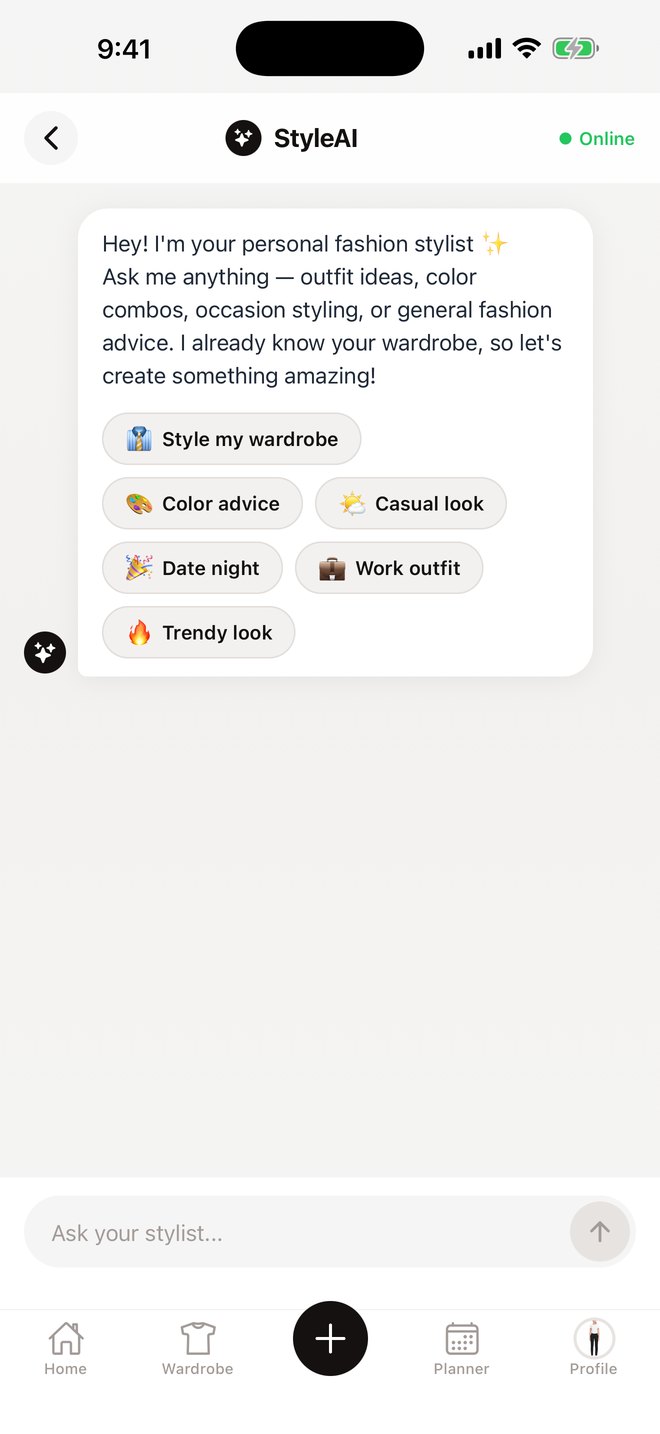
Ask what to wear to work, on a date or at the weekend. The AI stylist answers with outfits made from pieces you own, and you can send any of them straight to try-on.
- Start from an occasion. Date night, work outfit, casual look or something trendy.
- Or ask anything. Colour combinations, what goes with a piece, how to dress something up.
Find the colours that are yours.
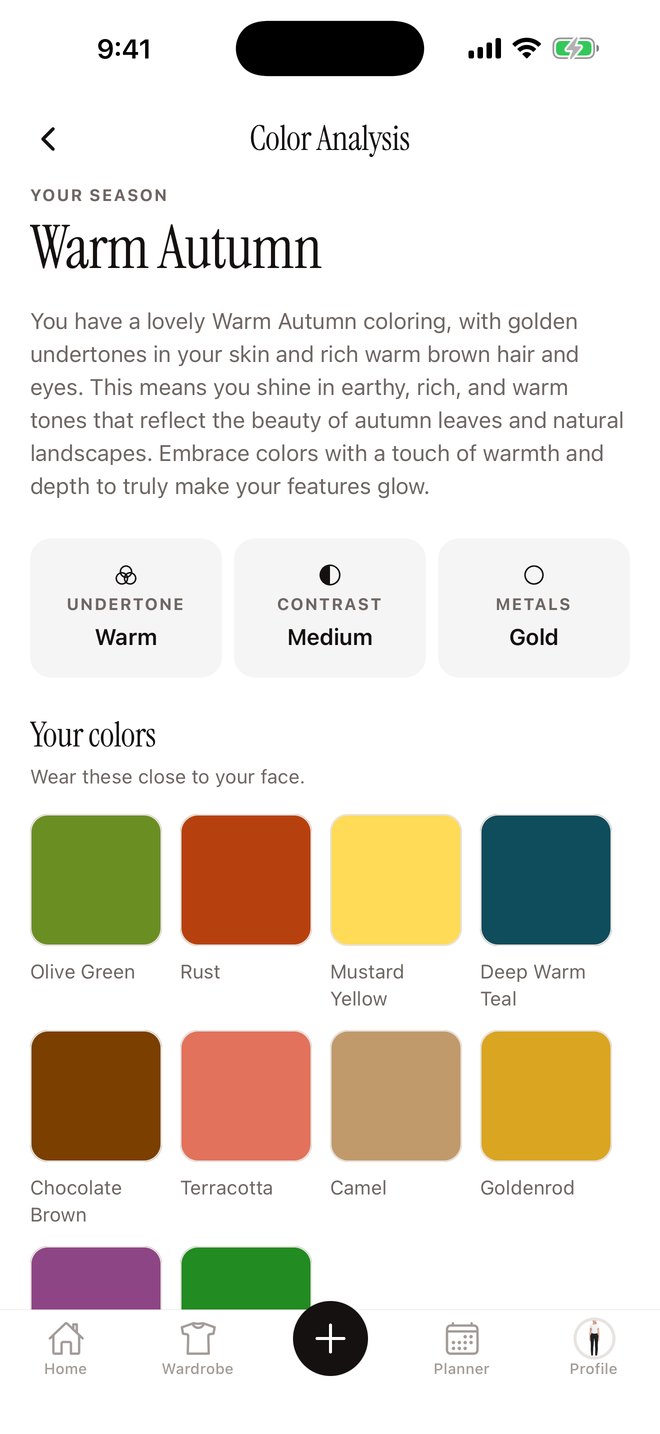
One clear photo of your face is all it takes. FitMe reads your skin undertone, hair and eyes, then gives you your season, the shades that make you look rested and the ones that wash you out.
An example result: Warm Autumn. Your first analysis is free.
Lay it out first.
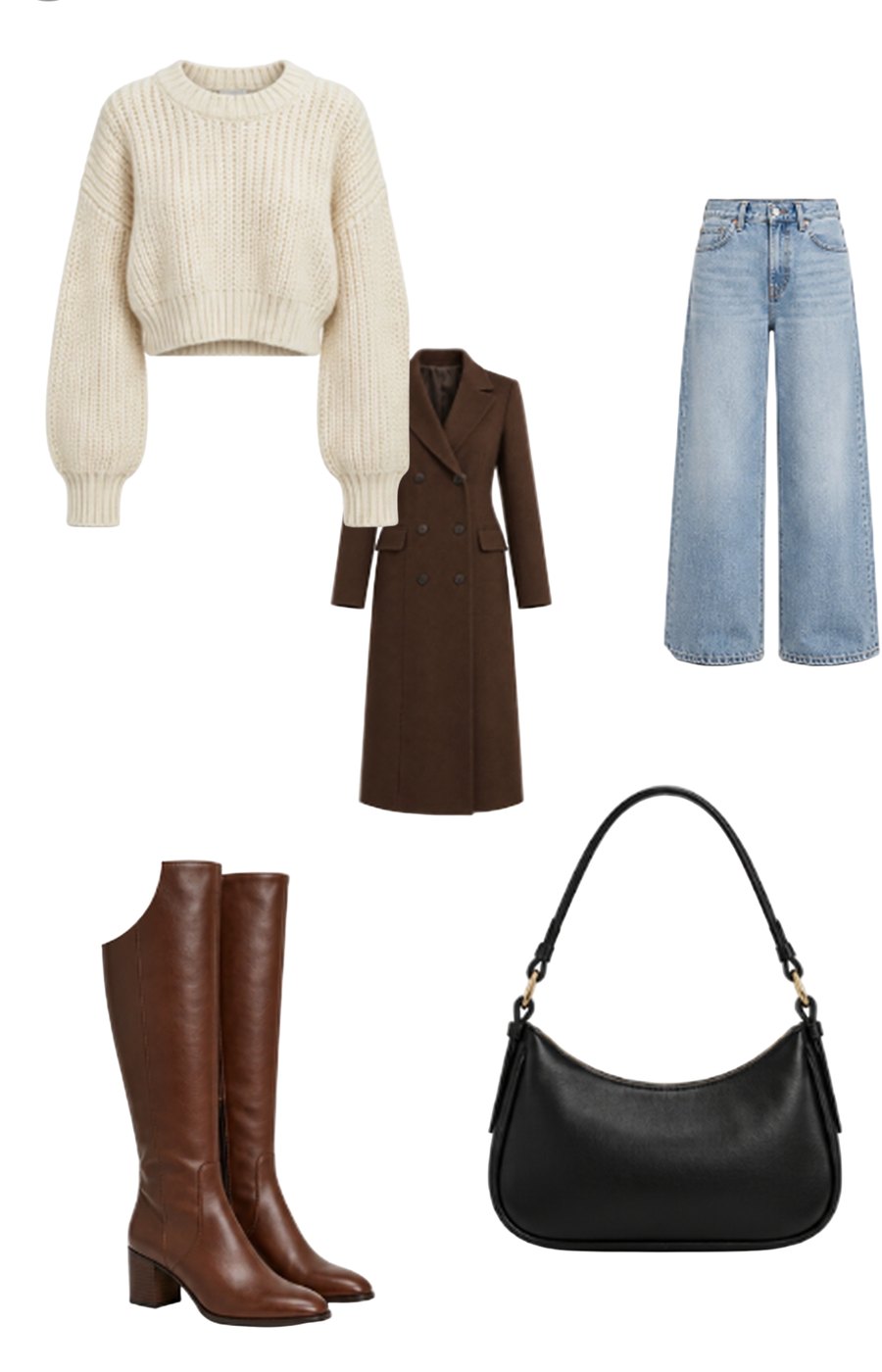
The dressing room is a canvas for your clothes. Add pieces to it, mix and match, and see whether the outfit holds together before you try it on. Save the ones worth keeping.
From a selfie to a planned week
Create your avatar
Add one clear photo of yourself and FitMe builds a full-length avatar that looks like you.
Add your clothes
Photograph what is in your wardrobe, or save a piece you are thinking of buying.
Try on and plan
See any combination on your avatar, keep the ones you like and give each day its outfit.
Good to know
What do I need to get started?
An iPhone and one clear photo of yourself. FitMe turns it into your avatar, and you can start trying outfits on as soon as it is ready.
Do I have to photograph my whole wardrobe?
No. Start with a few pieces, from a photo or a screenshot. FitMe removes the background and identifies each item, so adding more takes a moment.
Can I close the app while a look is being made?
Yes. Your look keeps generating after you leave, and FitMe can notify you when it is ready.
Is FitMe free?
FitMe is free to download. Try-ons use credits, and some features, such as the AI stylist, are part of FitMe Pro. Prices are shown in the app before you buy anything.
Which languages does FitMe speak?
The app is available in 27 languages.
What happens to my photos?
Your photos are used to create your avatar and your looks. The details, including which services process them, are in the Privacy Policy.